Extensions
#Positions
Extension position defines where your extension appears within the Akeneo PIM interface. You can select from a variety of available positions, which vary depending on the specific extension type.
Key Concepts:
- Position Options: Each extension type offers a set of predefined positions. These positions control the location of your extension's interface elements.
- Contextual Relevance: Position options are designed to align with the functionality of each extension type, ensuring a seamless user experience.
#Available positions for Extensions
| Positions | Action | Link | Iframe | Data/Custom Component |
|---|---|---|---|---|
| pim.product.header | ✔️ | ✔️ | ❌ | ❌ |
| pim.product-model.header | ✔️ | ✔️ | ❌ | ❌ |
| pim.sub-product-model.header | ✔️ | ✔️ | ❌ | ❌ |
| pim.product.tab | ❌ | ❌ | ✔️ | ✔️ |
| pim.product-model.tab | ❌ | ❌ | ✔️ | ✔️ |
| pim.sub-product-model.tab | ❌ | ❌ | ✔️ | ✔️ |
| pim.category.tab | ❌ | ❌ | ✔️ | ✔️ |
| pim.product-grid.action-bar | ✔️ | ❌ | ✔️ | ✔️ |
| pim.product.index | ✔️ | ❌ | ❌ | ❌ |
| pim.activity.navigation.tab | ❌ | ❌ | ✔️ | ✔️ |
| pim.product.panel | ❌ | ❌ | ✔️ | ✔️ |
| pim.product-model.panel | ❌ | ❌ | ✔️ | ✔️ |
| pim.sub-product-model.panel | ❌ | ❌ | ✔️ | ✔️ |
| pim.performance.analytics.tab | ❌ | ❌ | ✔️ | ✔️ |
#Positions list
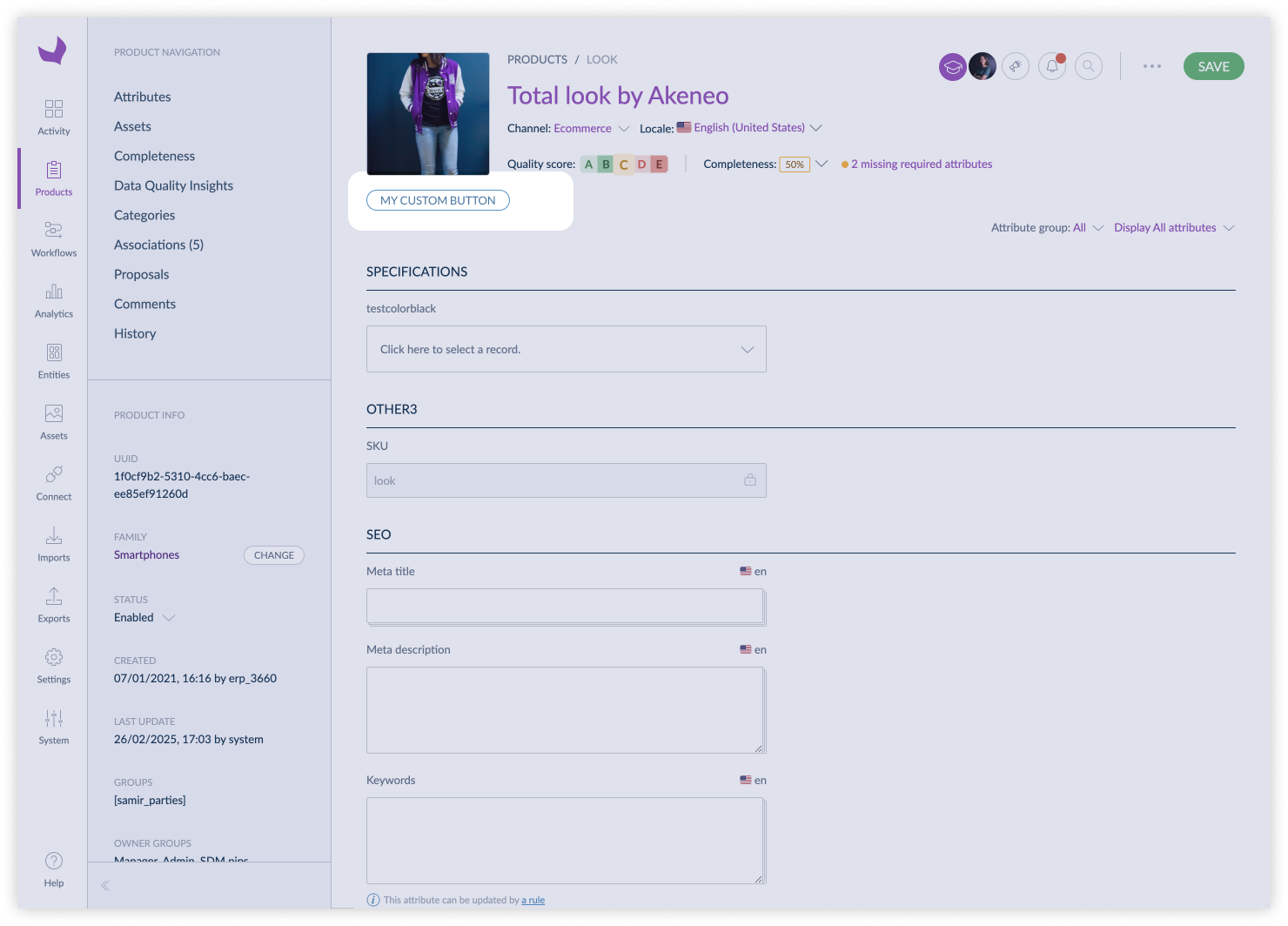
#pim.product.header
This position refers to the header of a simple product or a variant edit page.
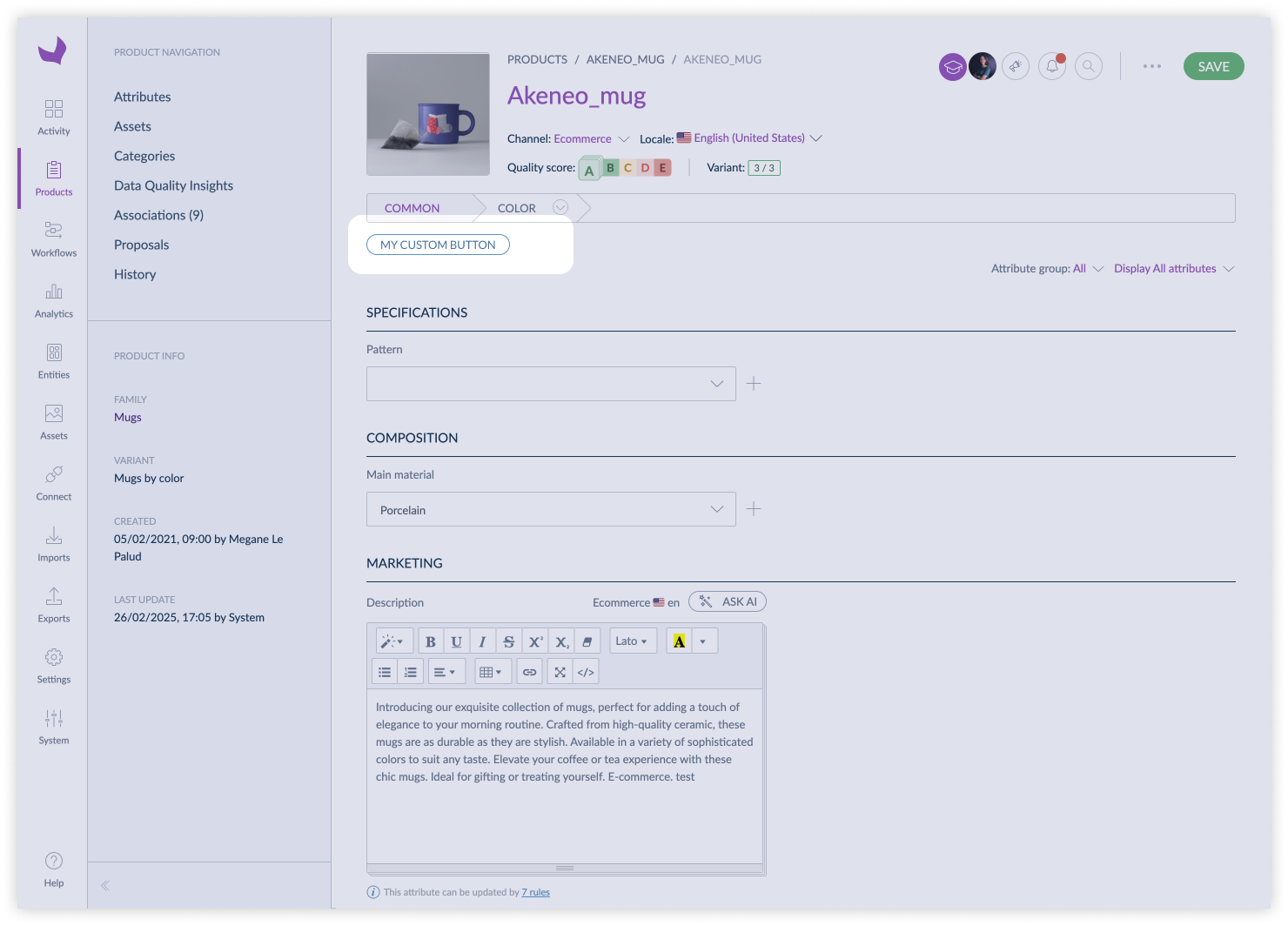
#pim.product-model.header
This position refers to the header of a root model edit page.
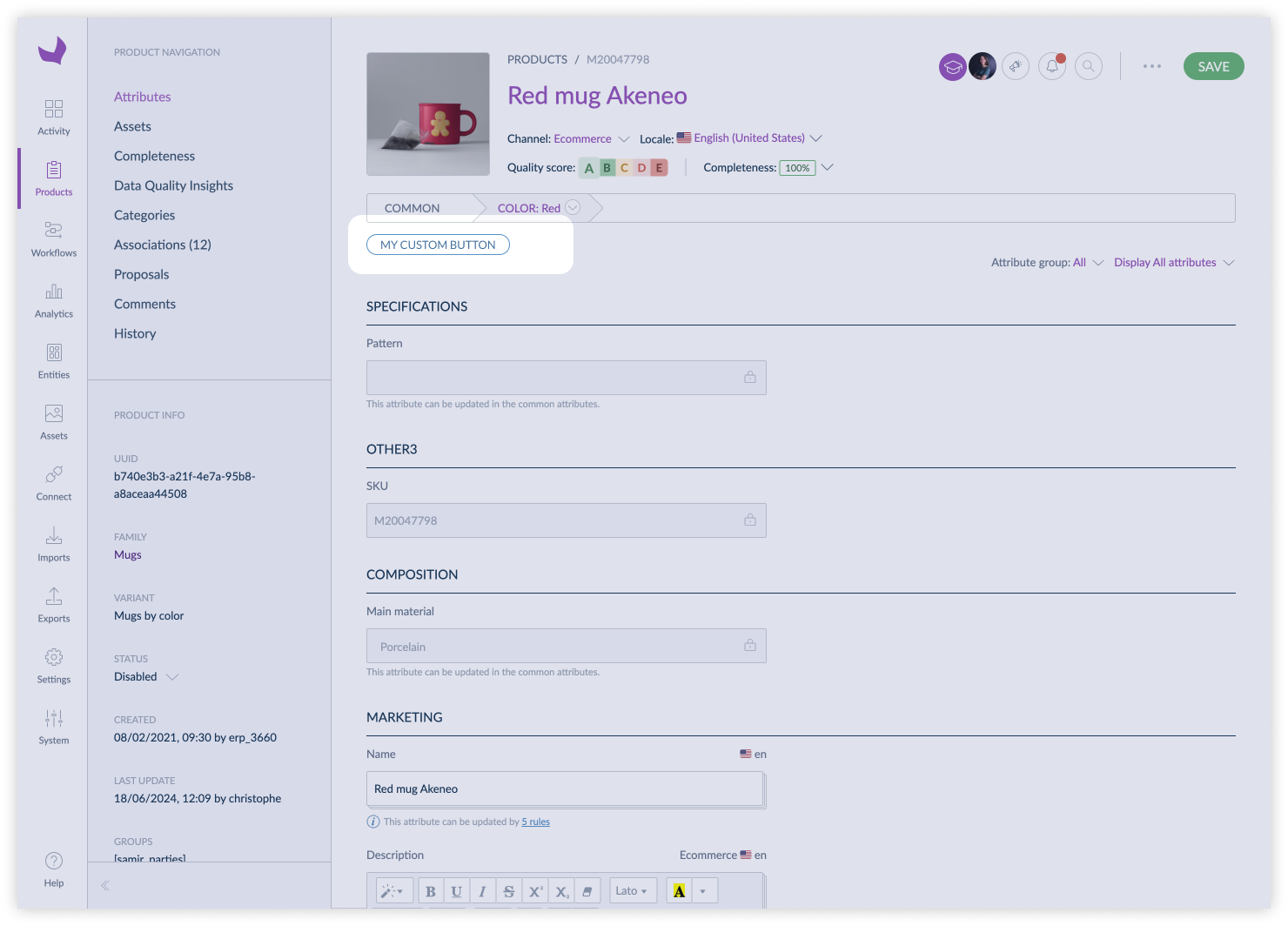
#pim.sub-product-model.header
This position refers to the header of a sub product model edit page.
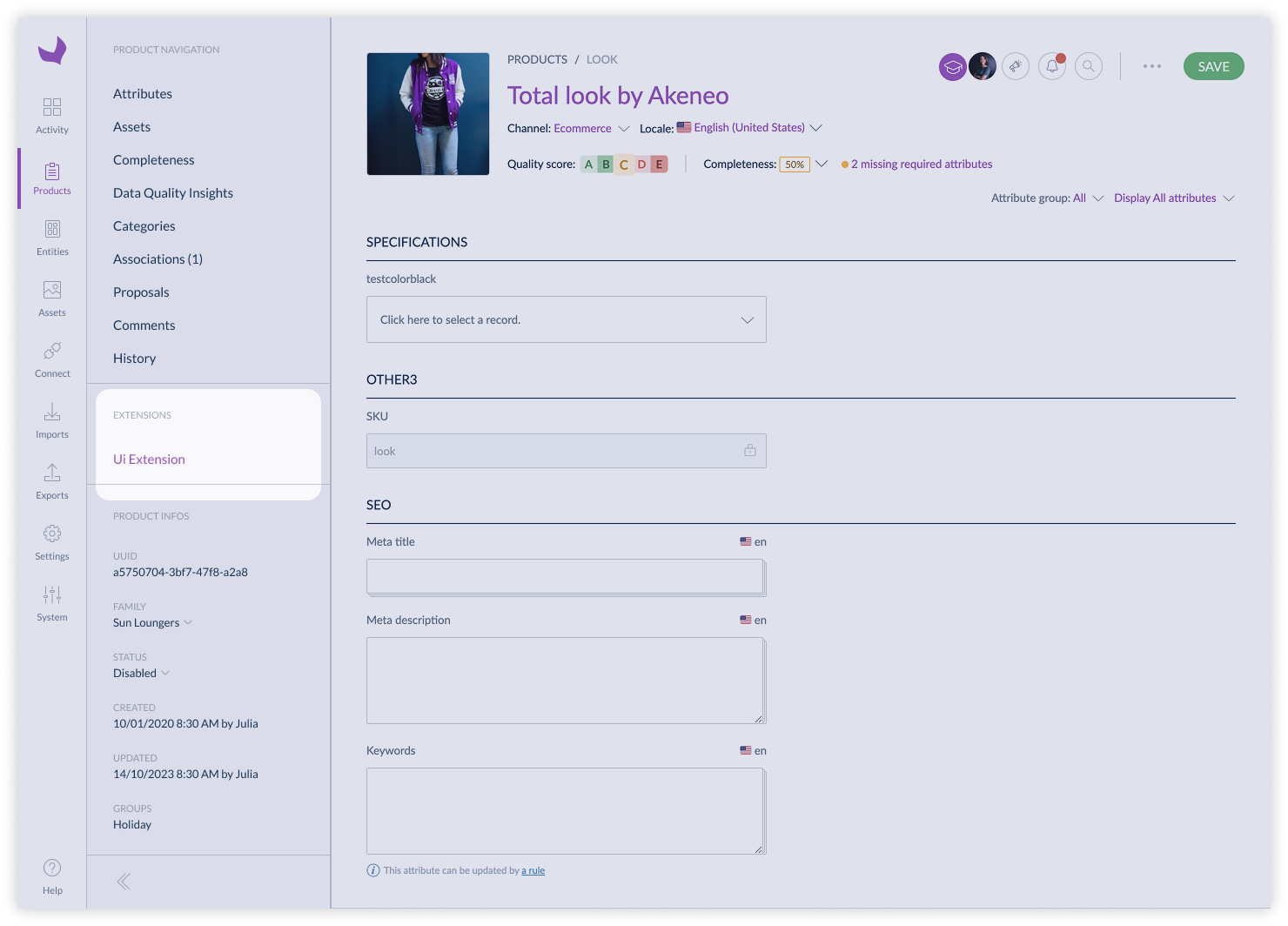
#pim.product.tab
This position refers to the tab of a simple product or a variant edit page.
#pim.product-model.tab
This position refers to the tab of a root model edit page.
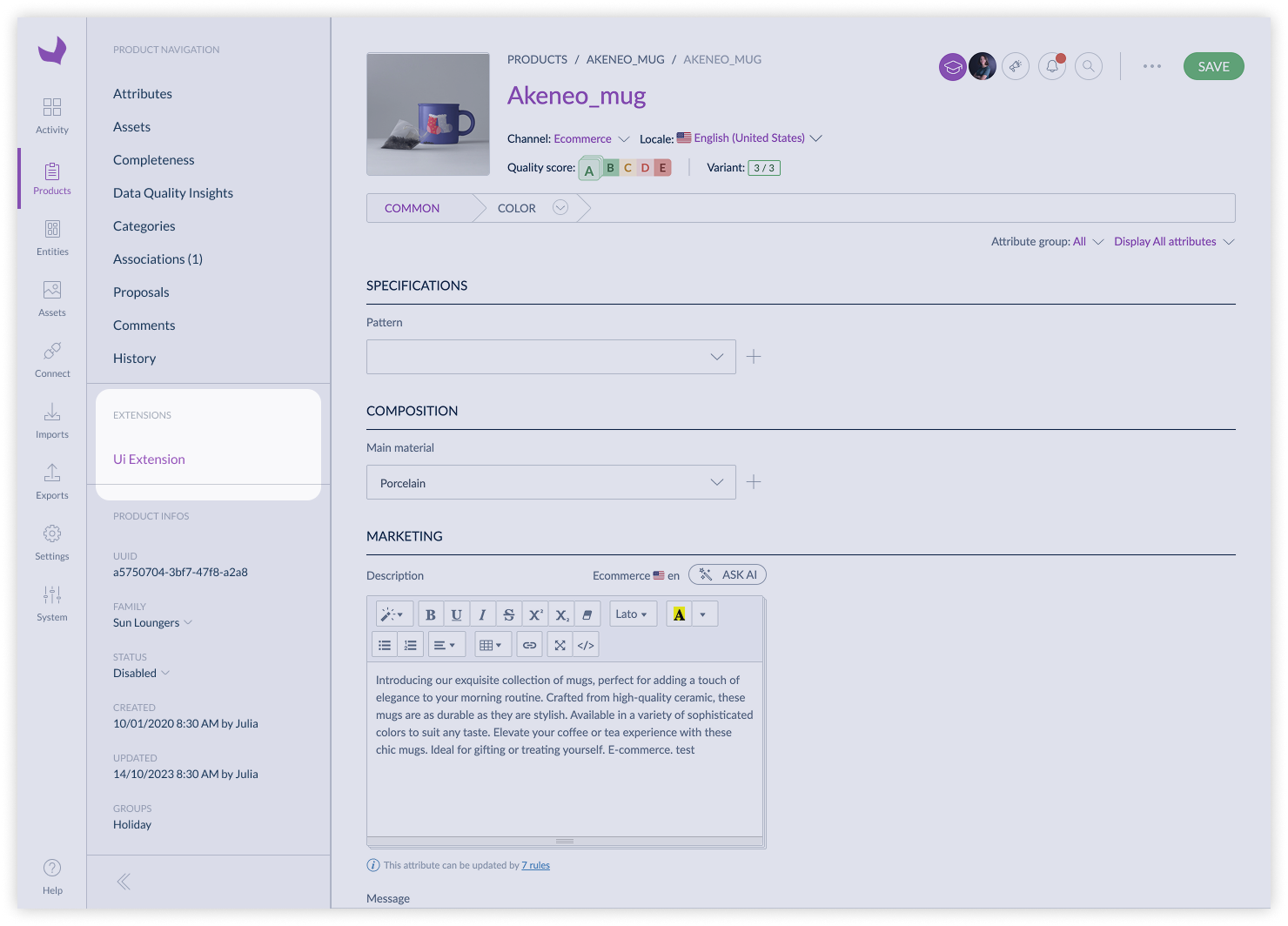
#pim.sub-product-model.tab
This position refers to the tab of a sub product model edit page.
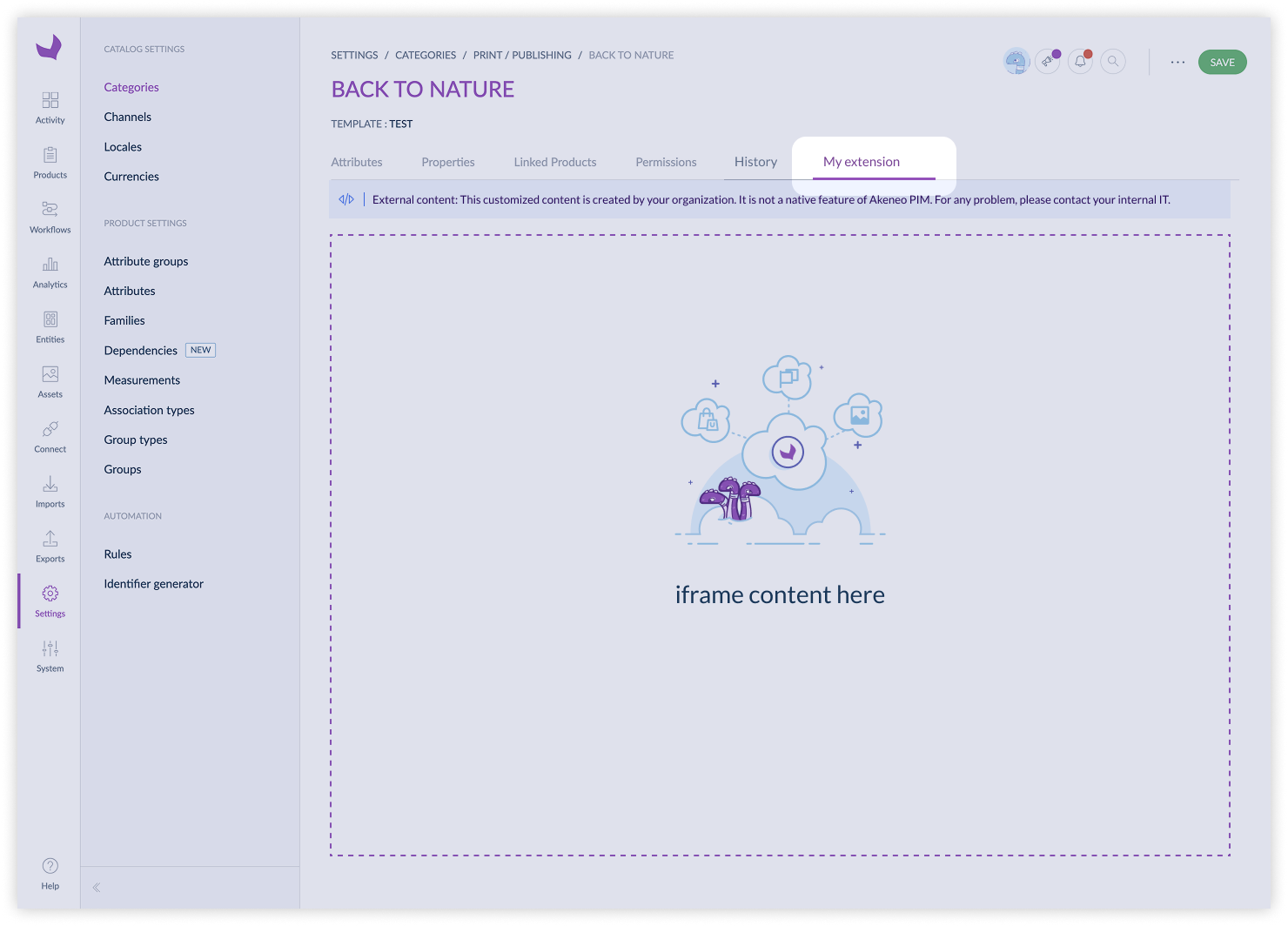
#pim.category.tab
This position refers to the tab of a category edit page.
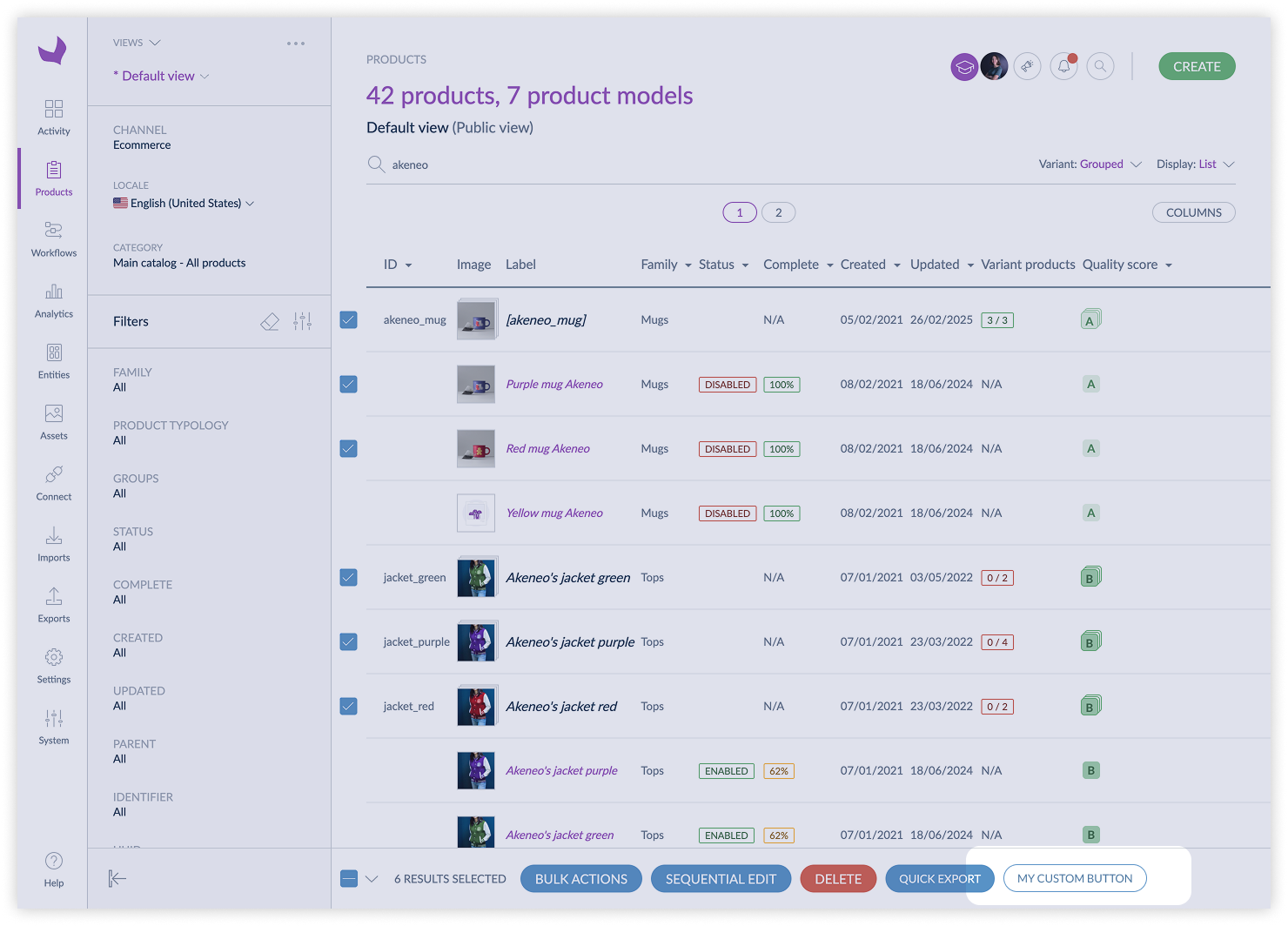
#pim.product-grid.action-bar
This position refers to the action bar of the product grid. It is used to add actions that can be applied to multiple products at once.
When using a UI extension in this context, note that:
- Some filters are not applied when listing products and product models
- The number of selected items is limited to 500
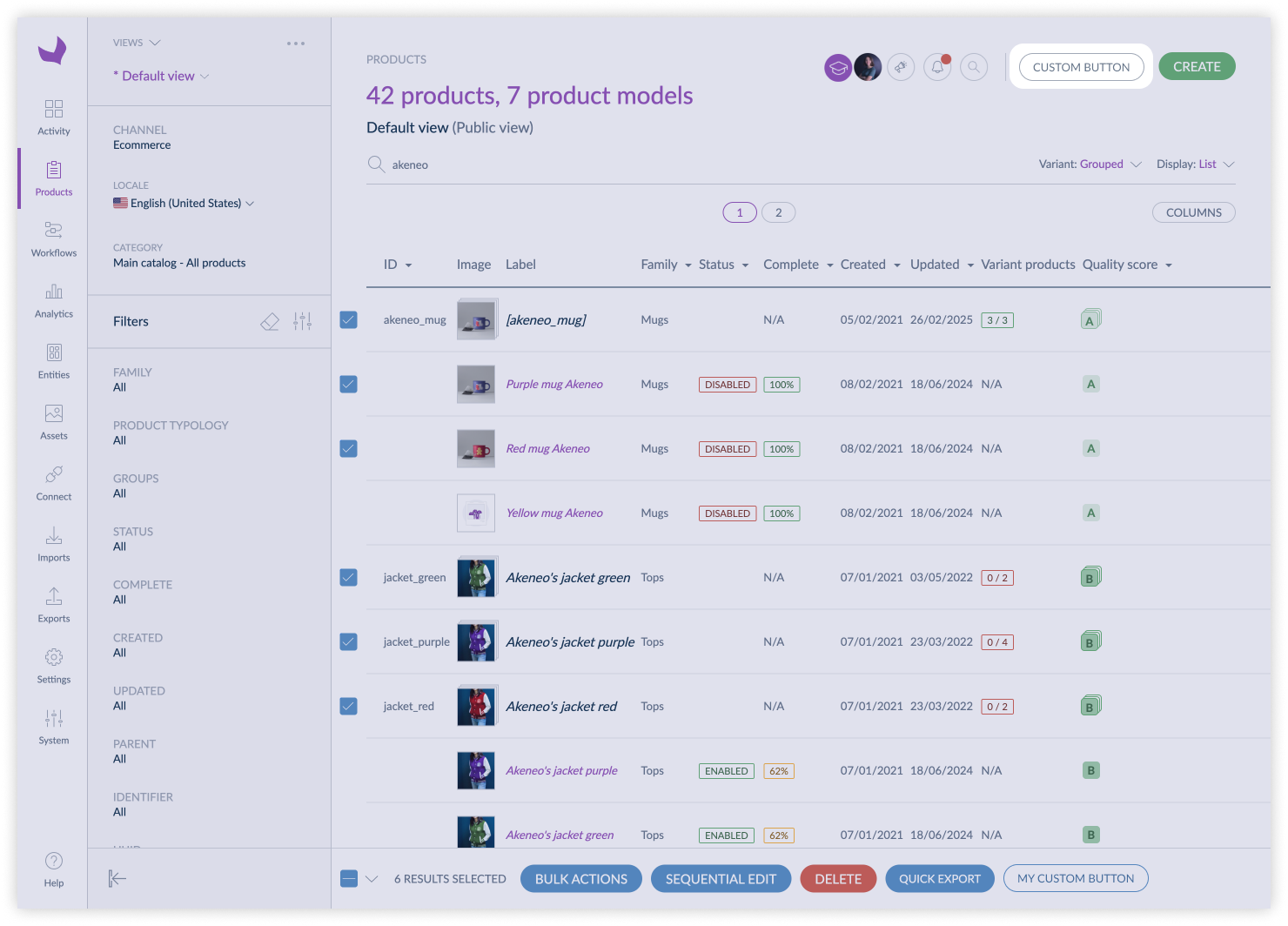
#pim.product.index
This position refers to the top left menu of the product list page.
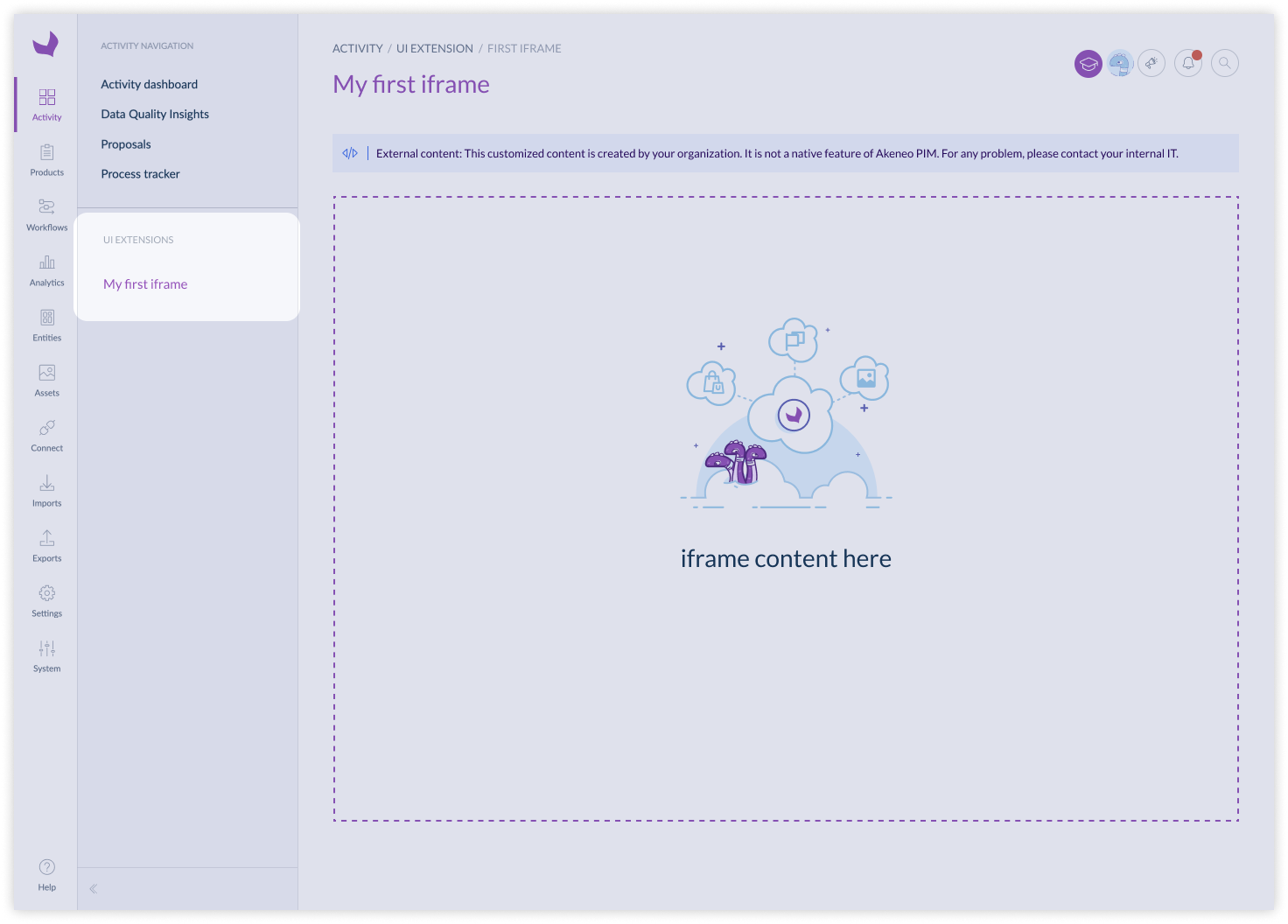
#pim.activity.navigation.tab
This position refers to the tab of the activity navigation. It is used to add custom tabs in the activity navigation of the PIM.
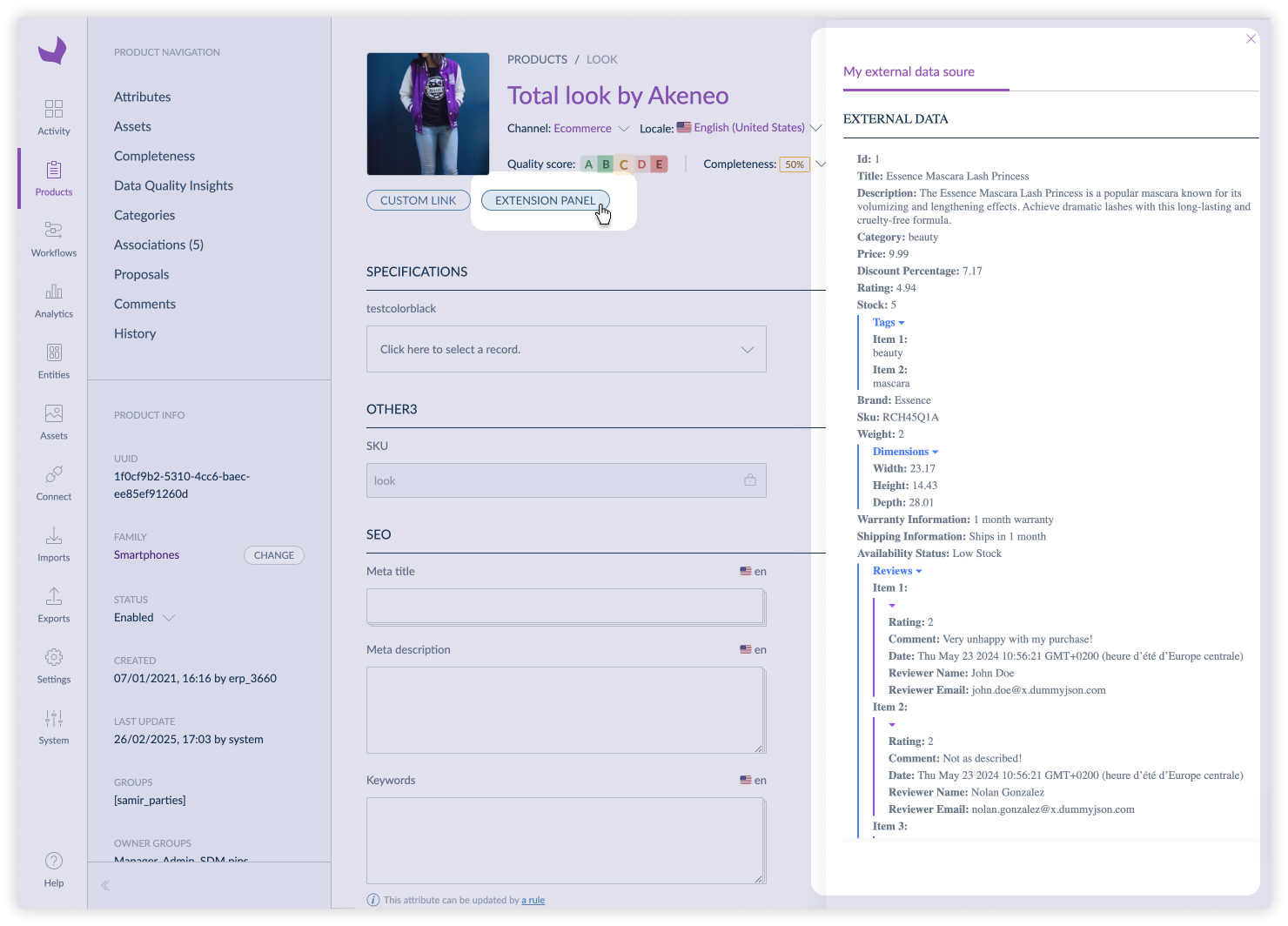
#pim.product.panel
This position refers to the right panel of a simple product or a variant edit page.
#pim.product-model.panel
This position refers to the right panel of a root model edit page.
#pim.sub-product-model.panel
This position refers to the right panel of a sub product model edit page.